
Home / Computer, Windows & Internet Basics / Windows Tutorials
10 Essential Windows Apps Every PC Should Have

The 10 Essential Apps Every Windows PC Should Have Essential Apps to Use on Windows
Your Windows PC comes with several built-in apps, such as the Photos app, which lets you easily view and organize your pictures. While these default apps are useful, installing a few additional programs can greatly improve your computer's performance, security, and everyday usability.
In this guide, we've selected 10 essential Windows apps that we believe every PC user should have. Best of all, every app on this list is completely free to download and use. Let's get started!
Table of Contents
- Google Chrome
- ChatGPT
- Canva
- VLC Media Player
- Adobe Acrobat Reader
- 7-Zip
- Google Drive
- LibreOffice
- Bitwarden
- Malwarebytes
1. Google Chrome: The Most Popular Web Browser
Google Chrome is the world's most widely used web browser, and for good reason. It's fast, secure, easy to use, and works seamlessly across Windows, Android, and other devices. If you already use Google services such as Gmail, Google Drive, or Google Photos, Chrome keeps everything synchronized automatically.
Although Microsoft Edge has improved significantly in recent years, many people still prefer Chrome because of its speed, extensive extension library, and tight integration with Google services. Chrome also uses Google Search by default, which remains the most popular search engine thanks to its fast and relevant search results.
Whether you're browsing the web, shopping online, watching videos, or accessing your favorite websites, Google Chrome offers a smooth and reliable experience for everyday use.
2. ChatGPT: Your AI Assistant for Everyday Tasks
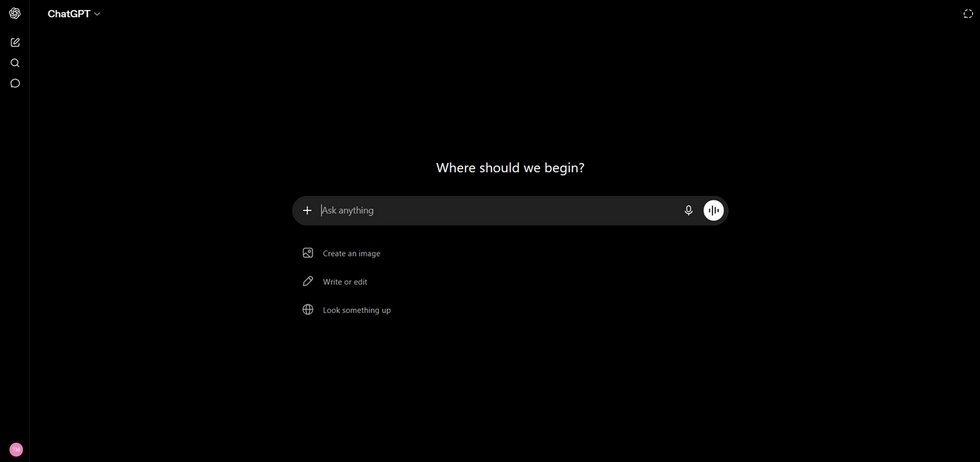
ChatGPT is one of the most useful apps you can install on your Windows PC. Powered by artificial intelligence, it can answer questions, explain complex topics, write emails, summarize documents, translate text, brainstorm ideas, and even help you learn new skills.
Whether you're a student, a professional, or simply using your computer at home, ChatGPT can save you time and make everyday tasks easier. You can use it to troubleshoot computer problems, plan trips, create shopping lists, improve your writing, or get step-by-step instructions for almost anything.
The free version already offers a wide range of features, making ChatGPT an essential tool for millions of people around the world.
3. Canva: Create Professional Designs in Minutes
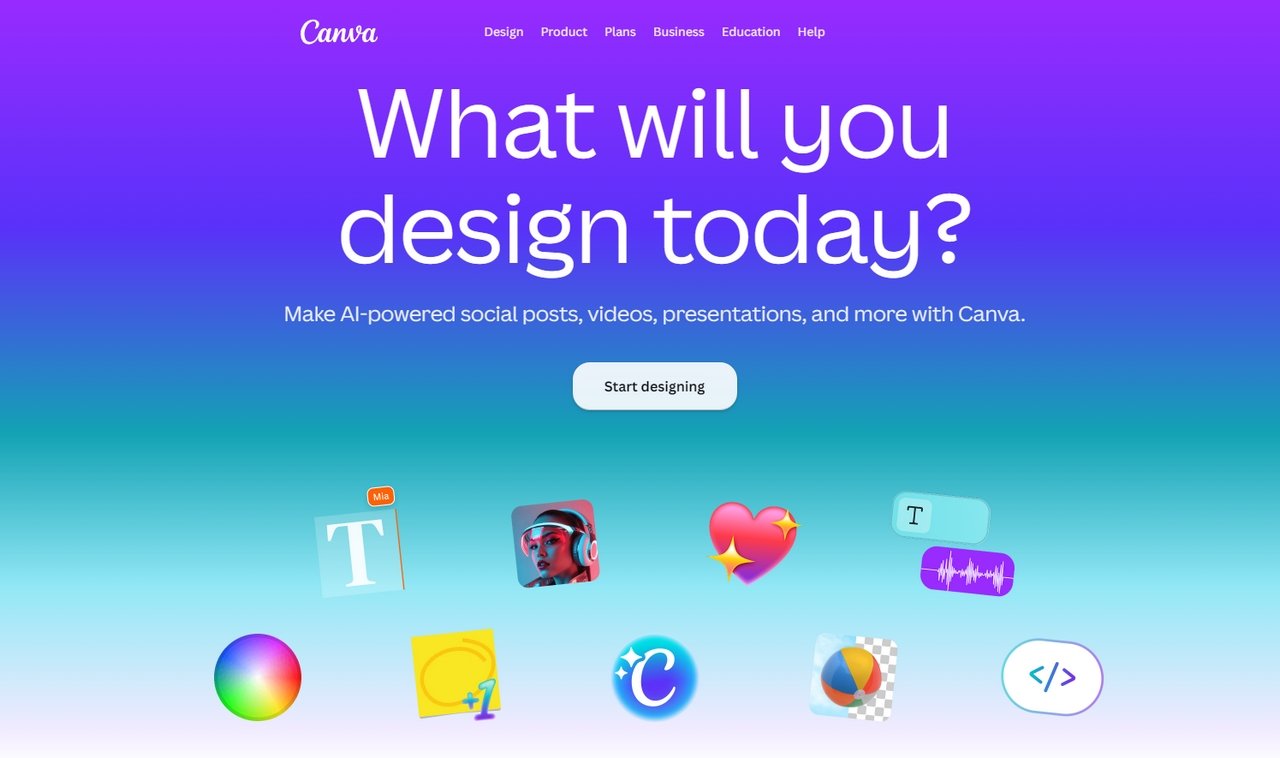
Canva is a free graphic design app that makes it easy for anyone to create beautiful visuals, even without design experience. With thousands of ready-made templates, you can quickly design presentations, invitations, resumes, flyers, social media posts, greeting cards, and much more.
Simply choose a template, customize the text, colors, and images, then download or share your finished design in just a few clicks. Canva also includes powerful AI features that can generate images, remove backgrounds, and help you create professional-looking content faster than ever.
Whether you're creating a birthday invitation, a school project, or marketing materials for your business, Canva is one of the easiest and most versatile design tools available.
4. VLC Media Player: Play Almost Any Video or Audio File
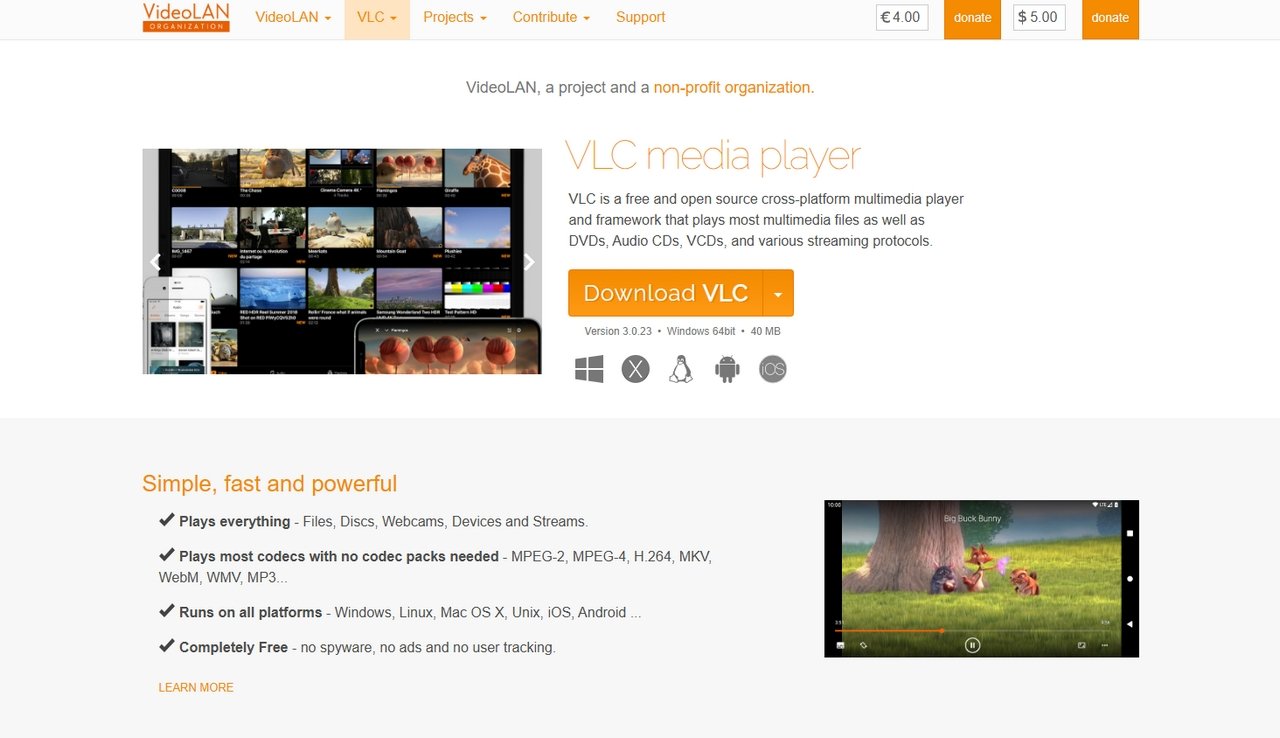
VLC Media Player is one of the most popular media players in the world, and for good reason. It's completely free, lightweight, and supports almost every video and audio format without requiring additional codecs or software.
Whether you're watching movies, home videos, or clips recorded on your smartphone, VLC delivers excellent video quality and smooth playback. It can also play DVDs, CDs, online streams, and even damaged or partially downloaded media files that other players may struggle to open.
If you're looking for a reliable media player that simply works with virtually any file, VLC Media Player is an essential app for every Windows PC.
Download VLC Media Player
5. Adobe Acrobat Reader: The Best Way to Open PDF Files
PDF is one of the most common file formats for documents, forms, user manuals, invoices, and contracts. While most web browsers can open PDF files, Adobe Acrobat Reader offers many additional features and remains the official application created by Adobe, the company that invented the PDF format.
With Adobe Acrobat Reader, you can easily view, print, search, annotate, and fill out PDF documents. You can also sign documents electronically, making it simple to complete paperwork without printing or scanning anything. This is especially useful for contracts, forms, and other official documents.
Whether you're working, studying, or managing personal paperwork, Adobe Acrobat Reader is an essential app for every Windows PC.
Want to create a PDF from a Word document? Check out our step-by-step tutorial.
Download Adobe Acrobat Reader (At the bottom of the page)
6. 7-Zip: Open and Extract Compressed Files
Many files downloaded from the internet are compressed into formats such as ZIP, RAR, or 7Z to reduce their size and make them easier to share. 7-Zip is a free tool that lets you quickly open, extract, and create compressed files.
With just a few clicks, you can unpack software, documents, photos, and other files downloaded from websites or received by email. 7-Zip supports virtually all popular archive formats, making it one of the most useful utilities for any Windows PC.
Lightweight, fast, and easy to use, 7-Zip is an essential app you'll likely need sooner or later.
7. Google Drive: Store, Backup, and Share Your Files
Google Drive is a free cloud storage service that lets you save your files online and access them from any device. Whether you're using a Windows PC, Mac, smartphone, or tablet, your documents, photos, and videos are always available wherever you are.
Backing up your important files to Google Drive also protects them against computer crashes, theft, or accidental deletion. If your PC stops working, you can simply sign in to your Google account and recover your files in minutes.
Sharing files is just as easy. Instead of sending large email attachments, you can create a secure sharing link and give access to friends, family, or coworkers with just a few clicks.
Every Google account includes 15 GB of free cloud storage, making Google Drive an essential app for backing up and organizing your files.
8. LibreOffice: A Free Alternative to Microsoft Office
Need to write a letter, create a spreadsheet, or prepare a presentation? LibreOffice is one of the best free alternatives to Microsoft Office. It includes everything you need for everyday tasks, without requiring a subscription.
LibreOffice comes with Writer for word processing, Calc for spreadsheets, and Impress for presentations. It can also open and save Microsoft Word, Excel, and PowerPoint files, making it easy to work with documents shared by friends, schools, or businesses.
If you only use office software occasionally, there's no need to pay for Microsoft 365. LibreOffice provides all the essential tools most people need, completely free of charge.
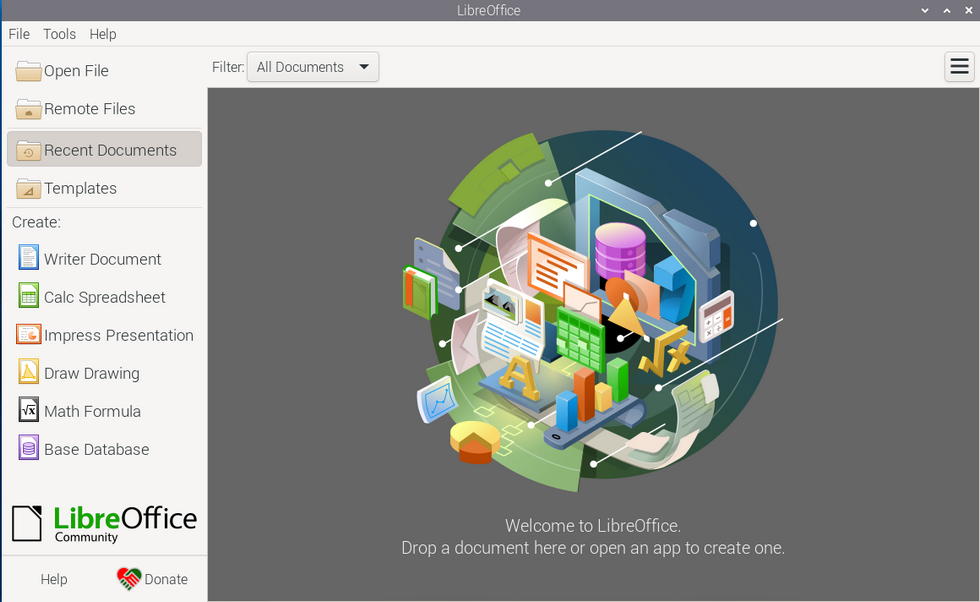
Photo Credit : LibrOffice.org
9. Bitwarden: Store and Protect Your Passwords
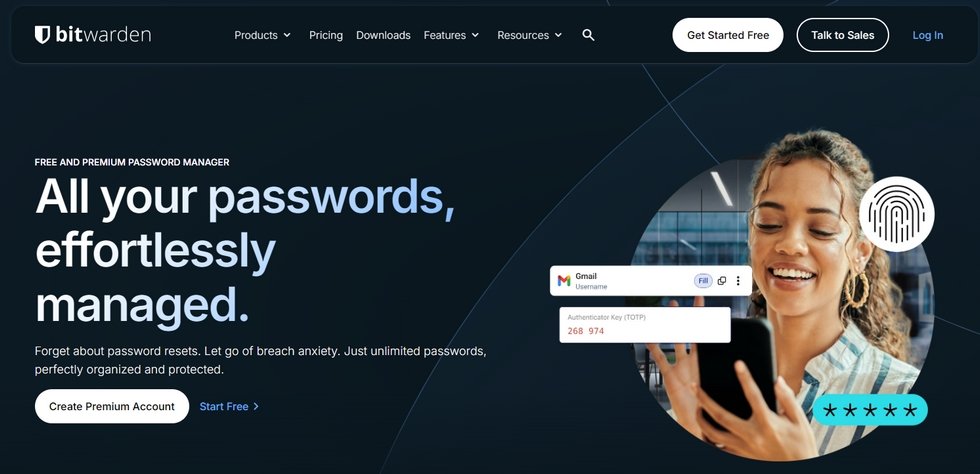
Remembering dozens of passwords can be difficult, especially if you want each account to have a strong and unique password. Bitwarden is a free password manager that securely stores all your login information in one place.
Once installed, Bitwarden can automatically fill in usernames and passwords when you sign in to websites, saving you time while improving your online security. It can also generate strong passwords for new accounts, helping protect you from hackers and data breaches.
With your passwords safely encrypted and synchronized across your devices, Bitwarden is one of the easiest ways to keep your online accounts secure.
Download Bitwarden
10. Malwarebytes Free: Remove Malware and Other Threats
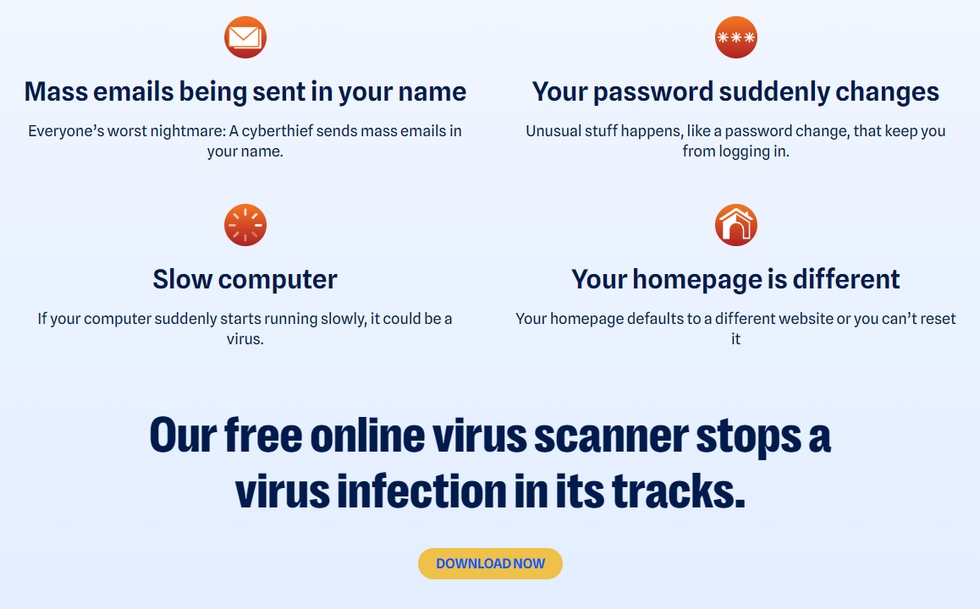
Even if Windows includes built-in security with Microsoft Defender, it's still a good idea to have a second tool to check your computer for malware. Malwarebytes Free is one of the most trusted security apps for detecting and removing threats that traditional antivirus programs may miss.
It can scan your computer for malware, spyware, adware, and other potentially unwanted programs, helping keep your Windows PC clean and secure. The free version lets you perform manual scans whenever you want, making it an excellent companion to your existing antivirus software.
Easy to use and highly effective, Malwarebytes is a great app to have installed in case your computer ever becomes infected.
Conclusion
The right software can make your Windows PC more powerful, secure, and enjoyable to use. Whether you're browsing the internet, creating documents, organizing your files, or using AI to save time, these essential apps cover almost every everyday need.
The best part is that most of them are completely free, so you can build a well-equipped Windows PC without spending a fortune. Install the apps that match your needs, and you'll be ready to get the most out of your computer from day one.
Thibaut MATHIEU

Smartphone Tutorials & Windows Basics
Welcome to Premiers Clics, a free website designed to help beginners learn computer basics and use smartphones easily with our smartphone tutorials. Step-by-step guides, simple tutorials, and practical lessons for everyday use.

Thibaut MATHIEU
Editeur de Premiers Clics
Editor and writer of Premiers Clics, and author of the book “Getting Started with Computers” (only avalaible in french), I share all my computer knowledge to help you learn, using the Premiers Clics computer courses.
Also the manager of a computer support and repair company, I fully understand your needs in computer training and assistance. Every day, I answer my clients’ questions about their computers, phones, or tablets.
This experience has given me extensive knowledge in consumer digital technology, allowing me to separate fact from fiction in device protection, identify the most common user mistakes, and provide numerous tips to make the best use of PCs, smartphones, and tablets.
Mobile & Tablet Tutorials
We also offer lessons and practical guides for smartphones and tablets. You’ll learn how to:
Set up your device
- Send a photo with text message
- Adjust the volume of my phone
- Open settings
- Free up storage space
Install and use useful apps
- How to connect a Bluetooth speaker ?
Transfer photos
- Transfer contacts to new phone
- How to see my Google photos ?
- How to get wifi password
These lessons are ideal for users of Android smartphones and tablets.
Smartphone Problems: All Simple Step-by-Step Solutions
🔹 Computer Basics
🔹 Windows Course
- The Desktop
- The Sart Menu
- Empty Recycle Bin
- Recover deleted files
- Create and organize folders
- Create desktop shortcuts
- Pin a programm on the taskbar
- Compress a ZIP file
- Decompress a ZIP file
Organize files and folders
Customize your desktop
- Make a screenshot
- Make file and folder icons bigger
Understand the start menu and taskbar
- Open a downloaded file
- Change Windows Wallpaper
- Take a screenshot
🔹 Internet and Email
Open and use a web browser
- Creating a Gmail email
- How to send emails and attachments
- Browsing history in Chrome, Edge or Firefox
- Browsing download history in Chrome, Edge or Firefox
- Delete history in Chrome, Edge or Firefox
- Delete cookies and browsing data
- Set Google Chrome Homepage
Create and manage an email account
- How access Netflix from Phone, PC or Tablet
- What is a VPN ?
🔹 Computer Protection
Keep your computer safe from malware
- Protect my computer with a password
Install antivirus tools
Learn how to avoid scams online
🔹 Troubleshooting
🔹 Practical Life
Smartphone Problems: All Simple Step-by-Step Solutions
Other Tutorials

Windows Desktop Basics
Learn the Windows desktop basics, and personalize your screen.

How to use a Computer
Explore all our free computer courses for beginners and learn how to use a computer.

Adjust mobile's volume
Send a photo with text message
Speed up my phone
How to fix a slow phone ?

Access Netflix

Find wifi password with a phone
If you need to display the Wi-Fi password, you can do it with your smartphone.

Transfer contacts
Common Smartphone Problems

No internet on my phone

I can't make calls
Check this tips if you can't make calls anymore.

I can't receiving text messages
A troubleshooting tutorial if you ever do not receive or no longer receive messages (SMS).
My phone Freezing

My phone is not charging
What should you do if your phone no longer charges?
My battery is draining quickly
How to improve your phone battery life if your battery is draining quiclky.
Windows Basics
Change desktop background
How to change the Windows desktop background. Free online Windows Course.
Protect my computer using a password
How protect my computer with a password or a PIN code.

View download history
How to view the browser download history in Google.

Create an email account (Gmail)
How to create a Gmail account to send and receive emails.
Decompress ZiP File
Learn how to compress and compress ZIP Files.

0 commentaire