
Computer Courses / Practical Guides / Netflix
VPN: What It Is, How It Works, and When to Use It
Difficulty : Medium

VPN: What It Is and How It Works
Many internet users are curious about VPNs but don’t really know what they are or how to use them safely. Between marketing promises, common misconceptions, and technical reality, it’s important to understand the real uses, benefits, and limitations of a VPN.
Too many people buy paid VPNs without understanding their purpose. Why? Many antivirus programs push them aggressively, with alarming messages about your internet safety. Antivirus suites often include cleanup tools, driver updaters, digital vaults, and, of course, VPNs. Many users also mistakenly believe a VPN makes their connection fully anonymous, which is not true.
This guide is aimed at English-speaking users and explains VPNs simply, with practical and legal advice.
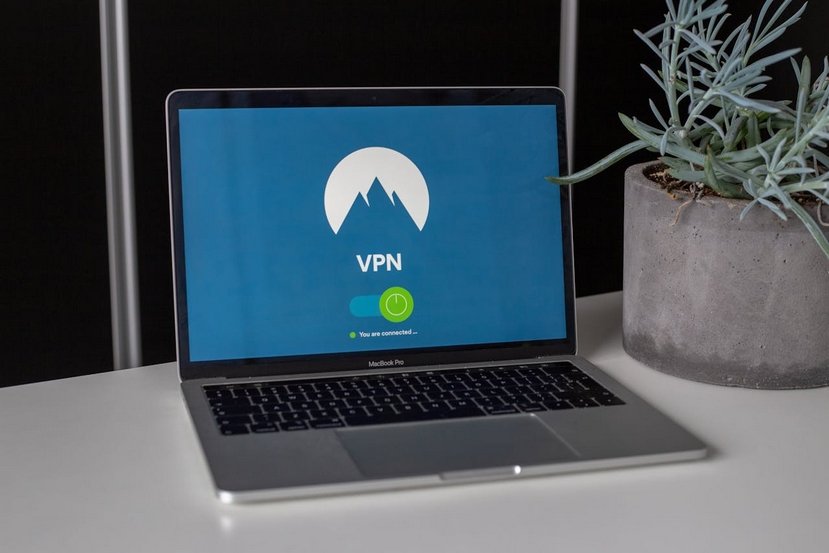
Within my IT support company, DK Dépann, I see too many clients buying a VPN without really understanding what it’s for. I have therefore decided to take the time to explain what a VPN does, the features of free and paid VPNs, and to help you determine whether you actually need one.
Table of Contents
1. What is a VPN?
2. Why Use a VPN?
3. VPNs and Security: How Reliable Are They?
4. Free VPNs: Useful or Limited?
5. Paid VPNs: Safer and Faster
6. VPN Download Links
1. What is a VPN?
A VPN, or Virtual Private Network, is a tool that allows you to secure your Internet connection and virtually change your location. In practice, your connection passes through a VPN server before reaching the Internet. This hides your real IP address and encrypts your data, making surveillance or hacking much more difficult. It is important to note that a VPN does not make the Internet completely anonymous, but it significantly enhances the privacy of your online activities.
2. Why use a VPN?
There are many reasons to use a VPN. It protects your connection when you access a public Wi-Fi network, such as in a hotel, café, or airport, preventing hackers from stealing your data. It also helps enhance your online privacy, making it more difficult for your Internet service provider or certain websites to track you. Another common use is to bypass geographic restrictions to access content available only in specific countries, such as movies, series, websites, or games – see my article “Which VPN for Netflix?”. Finally, for remote work, a VPN allows you to securely connect to a company’s resources from a distance. However, it cannot increase your connection speed or make paid services free.
3. VPNs and Security: How Reliable Are They?
A VPN enhances security, but its level of reliability depends on the service you choose. Reputable paid VPNs use strong encryption and have clear data protection policies. In contrast, some free or questionable VPNs may sell your information or display intrusive ads. Even with a VPN, certain activities remain risky, such as illegal downloads or phishing. Therefore, it is essential to consider a VPN as a tool for protection, not as an absolute guarantee of security.
4. Free VPNs: Useful or Limited?
Free VPNs attract many users but often come with significant limitations. Their speeds are usually too slow for streaming or gaming, the choice of servers is limited, and data allowances are often small. Some free VPNs can even compromise privacy by tracking users or displaying ads. Free VPNs can be useful for testing or for occasional secure browsing, but they are not suitable for regular streaming or heavy usage.
5. Paid VPNs: Safer and Faster
Paid VPNs offer significant advantages for regular use. They provide numerous servers that are regularly updated, ensure faster speeds, and offer applications for computers, smartphones, and tablets. Reputable providers also offer customer support and clear data protection policies. Nevertheless, it is important to keep in mind that no VPN can guarantee complete anonymity, and some websites may detect VPN usage and restrict access to their services. A VPN should primarily be seen as a tool for security and digital freedom, not as a magic solution.
6. VPN download links
For those who want to form their own opinion, there are free VPNs such as ProtonVPN or TunnelBear, which allow limited and secure use. On the paid side, ExpressVPN, Surfshark, or NordVPN are well-known for their performance and reliability. It is always recommended to download these services from their official websites to avoid compromised or fraudulent versions.
Conclusion
A VPN is useful for securing your connection on public networks and for accessing geo-restricted content. Free VPNs are limited, while paid VPNs provide a better experience, though they cannot guarantee perfect access or complete anonymity. For most users, a VPN is not essential for everyday use, but it becomes valuable when you travel frequently, use streaming sites, connect to public networks, or want to protect your personal data.
Thibaut Mathieu
Related articles
End of the tutorial
You now know what is a VPN.

Thibaut MATHIEU
Editor of Premiers Clics
Editor and writer of Premiers Clics, and author of the book “Je me mets à l’informatique” (only avalaible in french), I share all my computer knowledge to help you learn, using the Premiers Clics computer courses.
Also the manager of a computer support and repair company, I fully understand your needs in computer training and assistance. Every day, I answer my clients’ questions about their computers, phones, or tablets.
This experience has given me extensive knowledge in consumer digital technology, allowing me to separate fact from fiction in device protection, identify the most common user mistakes, and provide numerous tips to make the best use of PCs, smartphones, and tablets.

Solve internet issues
How to fix the main internet connections issues. Main troubleshooting steps.

View Google browsing
How to check your Google browsing in Chrome, Edge or Firefox.

Connect Bluetooth speakers to phone
How connect a BT device like a speaker to your phone.

Connect a wifi printer
How connect a printer to your wifi network and how install it in Windows.

Send a photo with text message

Contact Vinted
How to contact Vinted Customer Service.
Access Netflix

Change Wallpaper
How to change the Windows Wallpaper. Windows Course
Increase display size
Compress ZiP File
Learn how to compress and compress ZIP Files.

Create folders
Learn how to create and organize folders in Windows.

0 commentaires