
Home / Common Smartphones Problems
How to Improve your Smartphone Battery Life
Difficulty : Easy
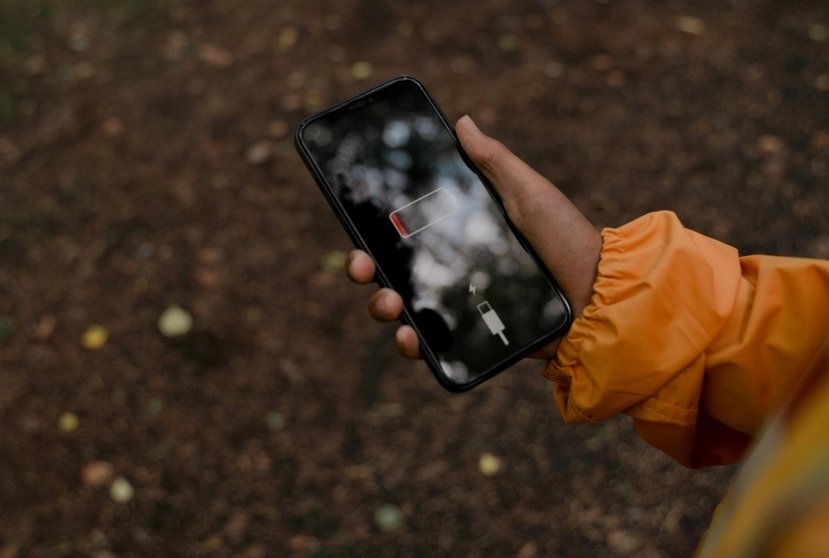
Is your phone getting too hot ? This article explains the main causes and the best solutions!

Your Smartphone is getting too hot ?
Smartphone overheating is a common issue that can worry many users. Whether it happens while using an app, during charging, or even when the phone is idle, an overheating phone can indicate several possible problems.
In this guide, we’ll explore the most common causes of phone overheating and, more importantly, simple solutions to prevent damage to your device.
Table of Contents
- Understanding why the battery drains quickly
- Essential settings to save battery
3. Apps that consume the most power
4. Good habits to preserve your battery
1. Common causes
Several factors can explain why a smartphone overheats. In most cases, it is caused by heavy usage or a software-related issue.
The most common causes include:
prolonged use of games or resource-heavy applications
exposing the phone to direct sunlight
too many apps running in the background
a system update in progress
fast charging or charging with a non-official cable
an aging battery
All these situations put heavy pressure on the processor and battery, which increases the device’s temperature.
If several of these situations occur at the same time, the phone may overheat significantly. This can cause the device to shut down for safety reasons, or at least lead to bugs, freezes, and slow performance.
For example: if your phone is used as a GPS, connected to a charger, and placed on the dashboard under direct sunlight, overheating is almost guaranteed. It’s a classic situation.
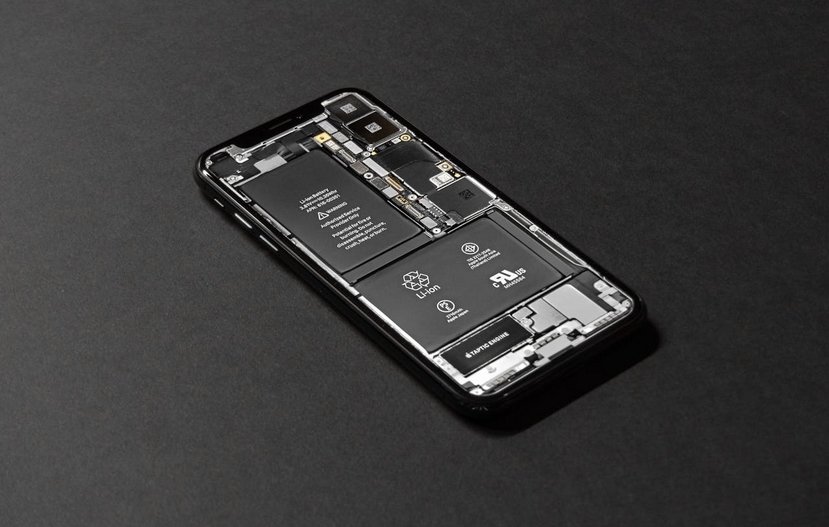
Checking battery usage data allows you to quickly identify the apps responsible.
2. Applications
Some applications are particularly demanding in terms of resources: games, streaming apps, and certain social media apps.
If your phone heats up quickly, check:
the apps consuming the most battery
apps running in the background
app updates currently in progress
In some cases, poorly optimized apps can cause constant overheating. Having too many apps open in the background can also raise the phone’s temperature.
3. Possible hardware problem
If overheating becomes frequent, the issue may also be related to hardware.
When charging, your smartphone will naturally warm up slightly. However, if it becomes very hot, that is not normal. The battery may be defective and should be replaced quickly at a specialized repair shop.
The most common hardware-related causes are:
a worn or defective battery
an incompatible charger
processor issues
an older phone struggling with modern apps
If your phone becomes extremely hot even when idle, it may be necessary to have the battery checked or consider replacing the device.
My Charger Gets Very Hot
If it’s your smartphone charger that heats up, that is fairly normal. However, you should still be able to hold it in your hand. If the charger becomes burning hot, that is not normal. It may be of poor quality or reaching the end of its life, which can be dangerous.
In that case, unplug it immediately and replace it with a new charger. Generic chargers can be fine, but avoid very cheap models. As often mentioned on Premiers Clics, good-quality generic products do exist.
4. Solutions to cool down your Smartphone
Fortunately, there are several simple solutions to prevent overheating.
Here are the most effecative actions:
close unnecessary applications (tap the three vertical lines at the bottom to see open apps)
remove the phone case while charging
avoid direct sunlight
disable unused Bluetooth, GPS, or Wi-Fi
restart the phone regularly (hold the power button + volume up)
keep the system updated
These actions reduce processor load and help protect the battery.
4. Solutions to cool down your Smartphone
Fortunately, there are several simple solutions to prevent overheating.
Here are the most effecative actions:
close unnecessary applications (tap the three vertical lines at the bottom to see open apps)
remove the phone case while charging
avoid direct sunlight
disable unused Bluetooth, GPS, or Wi-Fi
restart the phone regularly (hold the power button + volume up)
keep the system updated
These actions reduce processor load and help protect the battery.
Thibaut Mathieu
Related Articles
End of the troubleshooting guide
You now know how to fix a smartphone that is draining battery quickly.

No internet on my phone

My phone is not charging
What should you do if your phone no longer charges?

My phone Freezing

Thibaut MATHIEU
Editor of Premiers Clics
Editor and writer of Premiers Clics, and author of the book “Je me mets à l'informatique” (only avalaible in french), I share all my computer knowledge to help you learn, using the Premiers Clics computer courses.
Also the manager of a computer support and repair company, I fully understand your needs in computer training and assistance. Every day, I answer my clients’ questions about their computers, phones, or tablets.
This experience has given me extensive knowledge in consumer digital technology, allowing me to separate fact from fiction in device protection, identify the most common user mistakes, and provide numerous tips to make the best use of PCs, smartphones, and tablets.

0 commentaire