
Premiers Clics / Windows Basics & Computer Tutorials
How to find your Virgin Media Wi-Fi Password
Difficulty: Easy
[yoast_breadcrumb]

Finding your Virgin Media Hub Wi-Fi password
This guide is for Virgin Media customers in the UK who want to reconnect a phone, tablet or computer to Wi-Fi. Your Wi-Fi password (also called Wi-Fi key or wireless password) is required to access the internet at home. If you don’t have it, your device cannot connect.
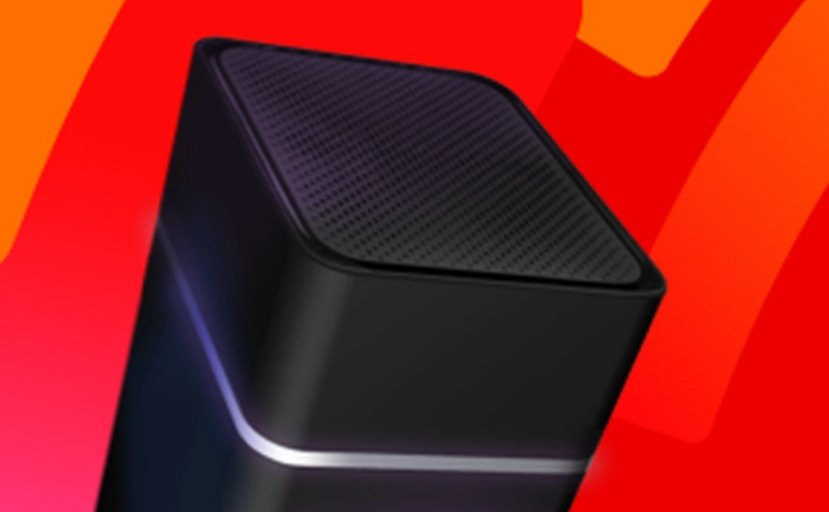
1. Check the label on your Virgin Media Hub (recommended)
Most Virgin Media Hubs have a sticker on the back or bottom.
Look for:
Wi-Fi Network Name (SSID)
Wi-Fi Password
➡️ This is the fastest solution.
Tip: write the password down and keep it somewhere safe.
2. Use the Virgin Media Connect app
Virgin Media offers the Virgin Media Connect app (Android & iPhone).
With this app, you can:
View your Wi-Fi password
Change your Wi-Fi name or password
Check your Wi-Fi connection
This is very useful if the Hub label is hard to read.
3. Find the password on a device already connected
If one device is already connected to Wi-Fi, you can view the saved password.
On Windows
Open Settings
Go to Network & Internet → Wi-Fi
Open Network properties
Show the saved password
On Mac
Open Keychain Access
Search for your Wi-Fi network
Click Show password
On iPhone / iPad
Go to Settings → Wi-Fi
Tap your network name
Tap Password
(Face ID or Touch ID required)
On Android
Go to Settings → Network & Internet → Wi-Fi
Open Saved networks
View or share the password
4. Reset your Virgin Media Hub (last solution)
If you cannot find the password:
Use a paperclip to press the Reset hole on the Hub
Hold for about 10 seconds
The Hub will restart with a new Wi-Fi password
⚠️ All devices will need to reconnect using the new password.
Summary – Quick checklist
1. Check the sticker on the Virgin Media Hub
2. Use the Virgin Media Connect app
3. Check a device already connected
4. Reset the Hub if necessary
End of the tutorial
Now you know how to get your Wi-Fi password with a Virgin Media Hub.

Solve internet issues
How to fix the main internet connections issues. Main troubleshooting steps.

Create desktop shorcuts
How to create shortcuts on the desktop.
Protect my computer using a password
How protect my computer with a password or a PIN code.

Connect a wifi printer
How connect a printer to your wifi network and how install it in Windows.

View Google browsing
How to check your Google browsing in Chrome, Edge or Firefox.
View Google browsing
How to check your Google browsing in Chrome, Edge or Firefox.

Adjust mobile’s volume

Thibaut MATHIEU
Editor of Premiers Clics
Editor and writer of Premiers Clics, and author of the book “Je me mets à l’informatique” (only avalaible in french), I share all my computer knowledge to help you learn the computer Basics.
Also the manager of a computer support and repair company, I fully understand your needs in computer training and assistance. Every day, I answer my clients’ questions about their computers, phones, or tablets.
This experience has given me extensive knowledge in consumer digital technology, allowing me to separate fact from fiction in device protection, identify the most common user mistakes, and provide numerous tips to make the best use of PCs, smartphones, and tablets.

0 commentaires